Create, use and delete tokens
Before you can use any of the APIs, you must obtain a secret token to verify that you are the authorized user performing the actions.
Generate a token from dashboard
Section titled “Generate a token from dashboard”You can easily generate a token through your project interface.
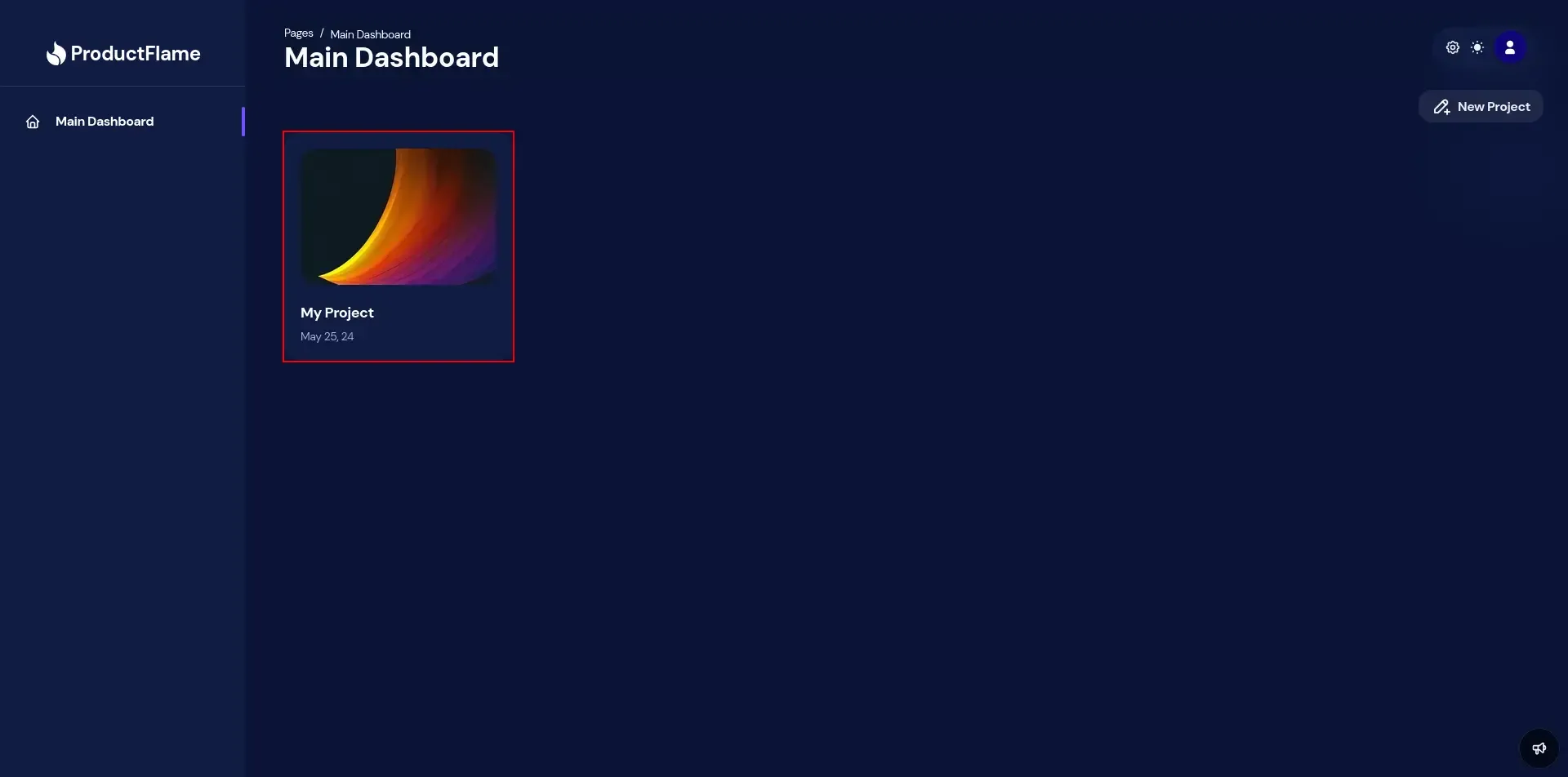
- Navigate to your project.
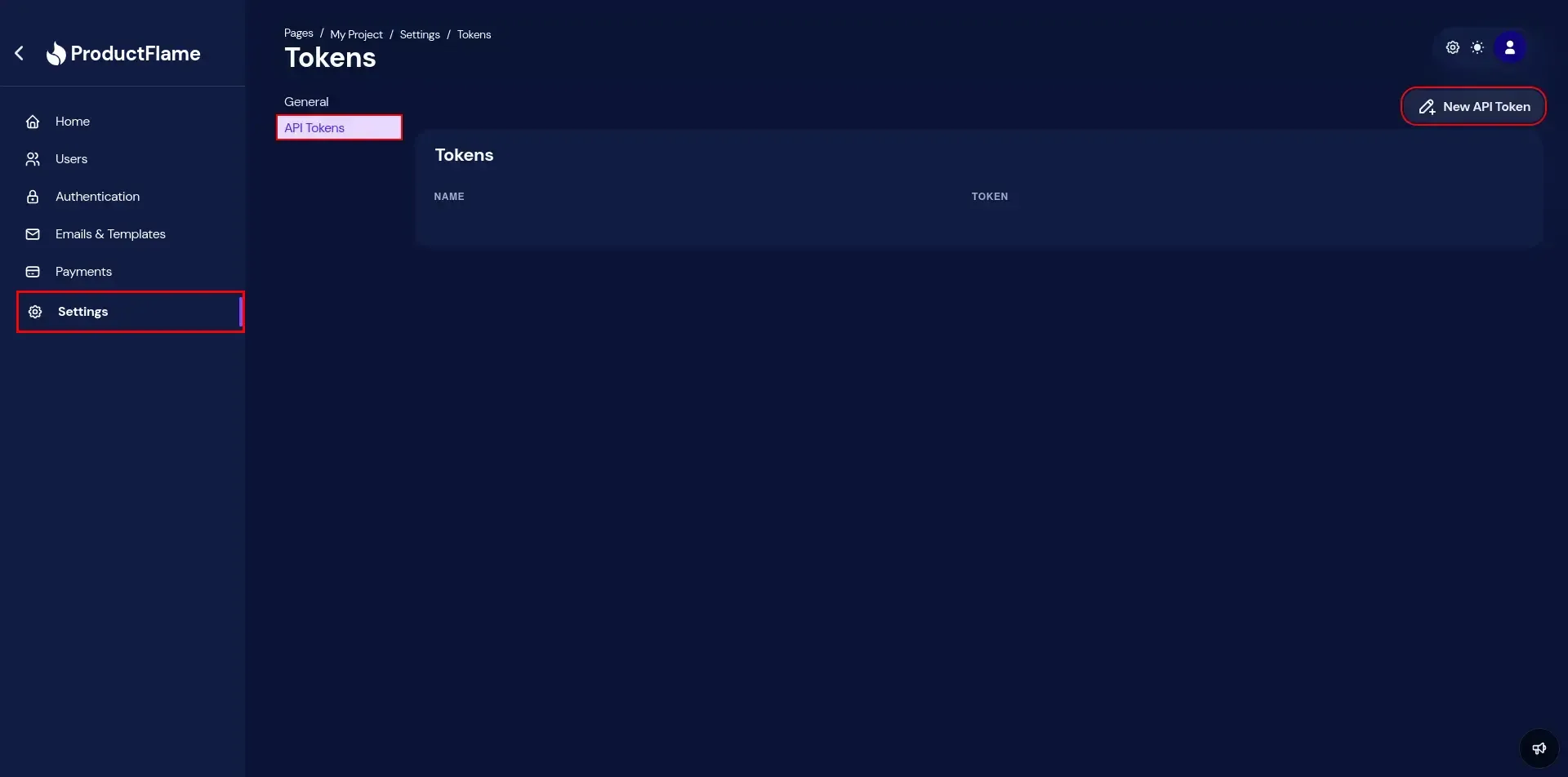
- Go to Settings > API Tokens, and then click the New API Token button.
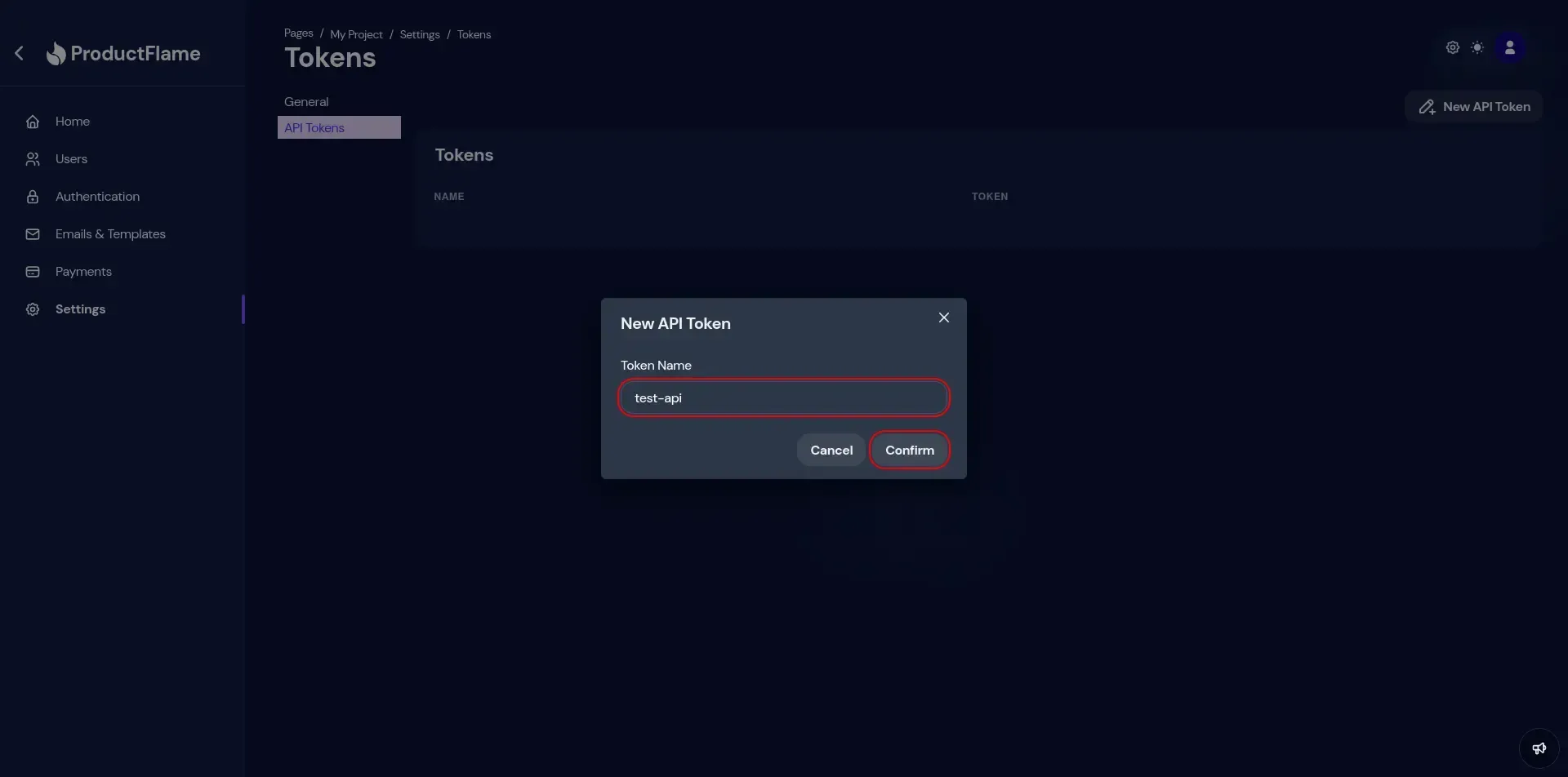
- Choose a name for your token, then press Confirm.
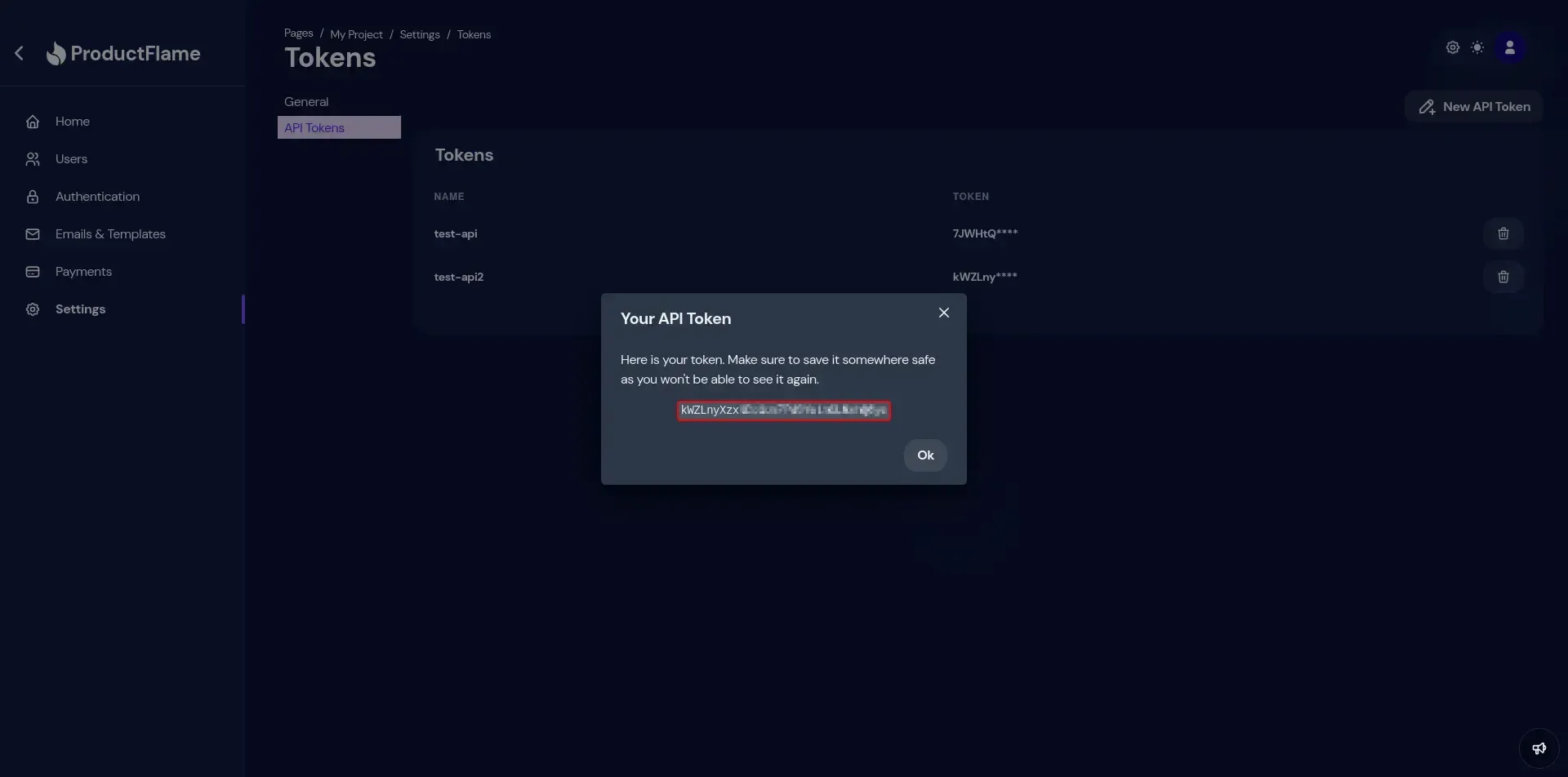
- Here’s your token. Make sure to save it somewhere safe and DO NOT share it with others!
Use a token
Section titled “Use a token”headers: { "Authorization": "<your-token>"}import { ProductFlameProvider } from "@productflame/nodejs";
const provider = new ProductFlameProvider("<your-token>");import { ProductFlameProvider } from "@productflame/nextjs";
const provider = new ProductFlameProvider("<your-token>");import { ProductFlameProvider } from "@productflame/express";
const provider = new ProductFlameProvider("<your-token>");Delete Token
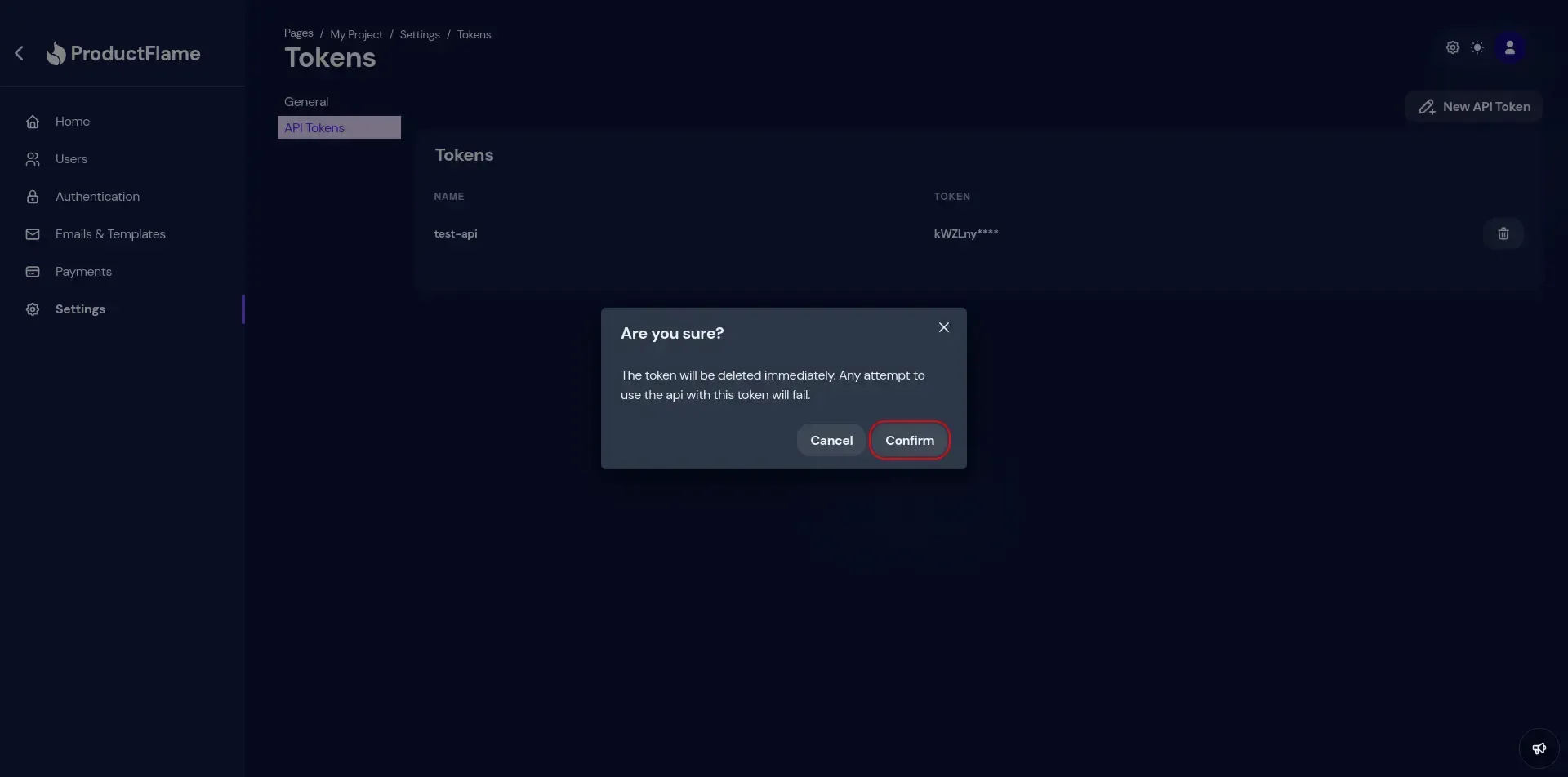
Section titled “Delete Token”You can delete a token from the same place where you created it. Deleting a token will cause it to be invalidated when trying to call the api with it.
- Click the trash button, near the token entry.
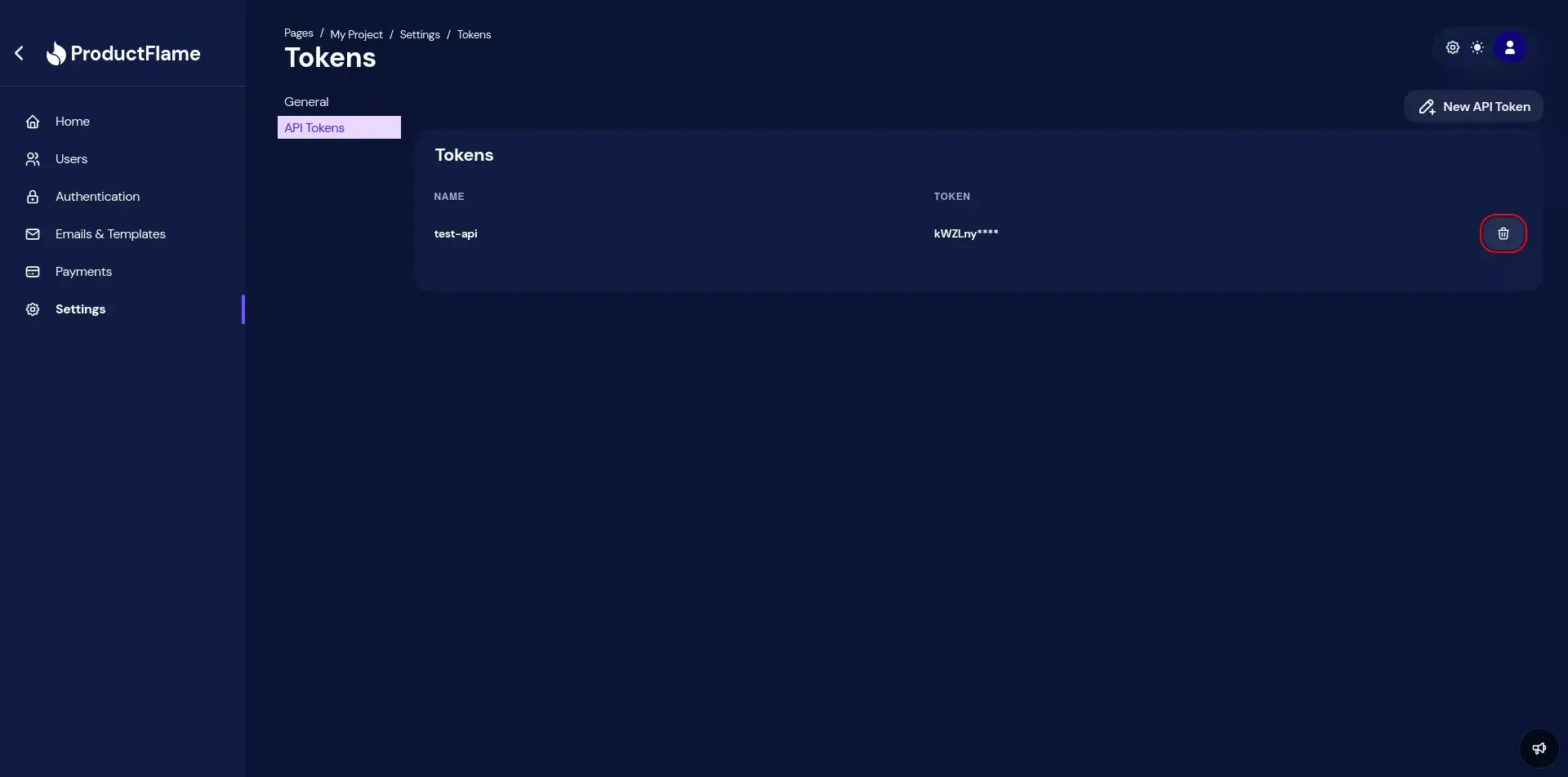
- Click confirm.